Welcome!
If you prefer the classic listserv experience — using only email to participate — here’s how to set it up:
- Enable Mailing List Mode
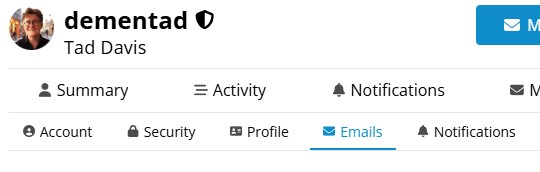
- Visit your email preferences (you must be logged in).
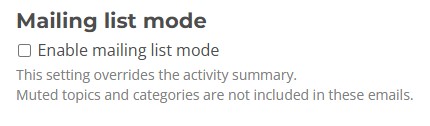
- Check the box for “Enable mailing list mode”. This sends you an email for every new post and reply.
- Optional: Turn off digests and other summary emails if you only want active conversation threads.
- Reply by Email
- When you receive a message from the forum, just hit Reply in your email client — your response will be posted automatically.
- Post New Topics by Email
- Send a new message to millproj@millennium-project.org to start a new topic in the General category.
- Your subject line becomes the topic title, and the body of your email becomes the post.
That’s it! No need to visit the website unless you want to.
Let @dementad know if you run into any issues.
—
The Millennium Project Tech Team